Login
Access your Buildly Product Labs workspace securely through our streamlined login process. The platform uses enterprise-grade authentication to protect your data and maintain team security.
Login Process
- Standard Login
Navigate to your organization’s Buildly Product Labs URL
Enter your registered email address
Enter your password
Click “Sign In” to access your workspace
- First-Time Login
After registration, your first login may include:
Profile completion prompts
Team assignment confirmations
Platform orientation tour
Notification preference setup
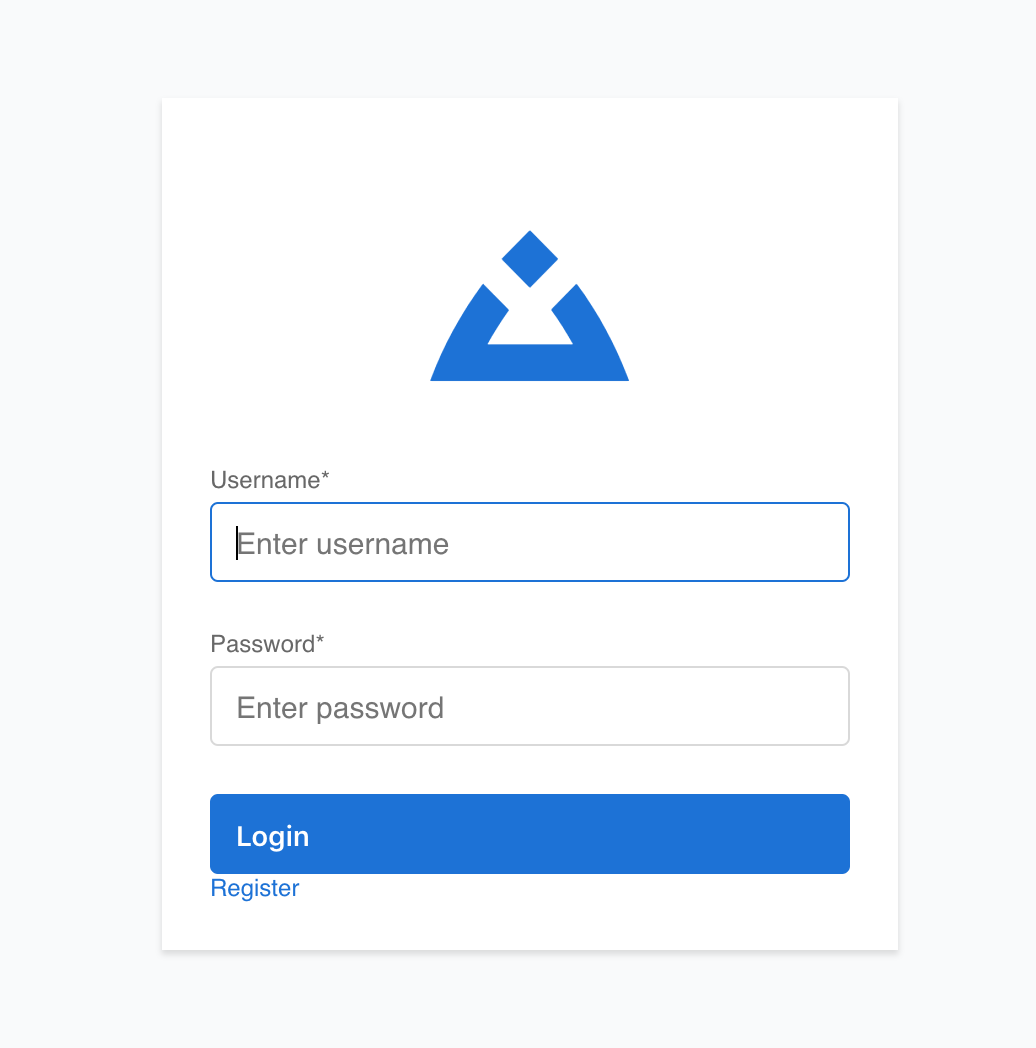
Login Interface Features
Security Features: - Secure OAuth authentication - Session management - Password complexity requirements - Failed attempt monitoring
User Convenience: - “Remember Me” option for trusted devices - Password reset functionality - Clear error messages for troubleshooting
Authentication Methods
- Email/Password
Standard authentication using your registered email and password.
- Single Sign-On (SSO)
If enabled by your organization:
Connect through your company’s identity provider
Use existing corporate credentials
Automatic team and permission assignment
Troubleshooting Login Issues
- Forgot Password
Click “Forgot Password” on the login screen
Enter your email address
Check your email for reset instructions
Follow the link to create a new password
Return to login with your new credentials
- Account Locked
Contact your system administrator
Wait for automatic unlock (if configured)
Verify you’re using the correct credentials
- Browser Issues
Clear browser cache and cookies
Try an incognito/private browsing window
Ensure JavaScript is enabled
Update your browser to the latest version
Common Error Messages: - “Invalid credentials”: Check email and password spelling - “Account not activated”: Complete email verification process - “Access denied”: Contact administrator about permissions
Security Best Practices
For Users: - Use a strong, unique password - Don’t share login credentials - Log out when using shared computers - Report suspicious activity immediately
Password Requirements: - Minimum 8 characters - Mix of uppercase and lowercase letters - Include numbers and special characters - Avoid common words or personal information
Session Management
Automatic Features: - Sessions expire after periods of inactivity - Secure logout when browser is closed - Protection against unauthorized access
Manual Controls: - “Sign Out” to end your session securely - “Sign Out All Devices” for enhanced security - Session history in account settings
Getting Help
If you continue to experience login issues:
Contact your team administrator
Check with IT support for SSO-related problems
Review your organization’s specific login procedures
See 🎉 CORS Issue Resolution Summary for technical issues